

Paper wedding RSVP cards are slow, easy to lose, and surprisingly expensive. For 100 guests, traditional paper cards can cost between $370 and $870 once you factor in printing, envelopes, and postage. Digital RSVPs flip that equation entirely, with faster responses in 1-10 days compared to the 2-4 weeks paper typically takes. This guide walks you through exactly what digital RSVP means, how it works, what to watch out for, and how to choose the right setup for your wedding.
Table of Contents
- What does digital RSVP mean?
- How digital RSVP systems work
- Benefits and challenges of digital RSVP for weddings
- Common mistakes with digital RSVPs (and how to avoid them)
- Choosing the right digital RSVP solution for your wedding
- What most wedding guides miss about digital RSVP systems
- Streamline your wedding with digital RSVPs
- Frequently asked questions
Key Takeaways
| Point | Details |
|---|---|
| Digital RSVP defined | Digital RSVP is an electronic system guests use to respond to wedding invitations online. |
| Faster, smarter tracking | You get quicker responses and easier guest management compared to paper RSVPs. |
| Cost and eco savings | Switching to digital can save hundreds and drastically cut waste for your event. |
| Hybrid solutions work | A mix of digital and paper options ensures all your guests feel included and can respond easily. |
| Choose what fits best | Select a digital RSVP tool that matches your wedding's style, guest needs, and your comfort. |
What does digital RSVP mean?
Traditional RSVP cards have been a wedding staple for decades, but they come with real friction. Cards get lost in the mail. Guests forget to send them back. Handwriting is sometimes unreadable. And by the time you collect everything, you've spent weeks chasing responses.
Digital RSVP is an online form or system where guests respond to invitations electronically, typically through a wedding website, a dedicated app, or a link sent by email or text. Guests click the link, fill out a short form with their name and attendance status, and submit. That's it.
Here's a quick comparison of the two approaches:
| Feature | Paper RSVP | Digital RSVP |
|---|---|---|
| Response time | 2-4 weeks | 1-10 days |
| Cost (100 guests) | $370-$870 | $0-$200 |
| Tracking | Manual | Automated |
| Editable by guest | No | Yes |
| Eco-friendly | No | Yes |
Beyond speed, digital RSVPs integrate directly with guest management tools. You can see who has responded, who hasn't, and send automated reminders without lifting a finger. Many platforms also connect with seamless digital invites so the invitation and response process live in one place.
Key features you'll typically find in a digital RSVP system:
- Real-time response tracking
- Automated reminder messages
- Guest limit controls
- Meal preference or dietary fields
- Export to spreadsheet for your planner
- Mobile-friendly design
As one wedding planner put it: "Digital RSVPs don't just save time. They give couples a level of control over their guest list that paper simply can't match." For a deeper look at managing responses, the RSVP tracking guide is a great place to start.
How digital RSVP systems work
Setting up a digital RSVP is more straightforward than most couples expect. Here's how the process typically flows from both sides.
For the couple (host side):
- Choose a platform, such as a wedding website builder, a standalone RSVP app, or a digital invitation service.
- Create your RSVP form with the fields you need: name, attendance, meal choice, plus-one status.
- Set a guest limit to prevent over-RSVPing.
- Enable automated reminders for guests who haven't responded by a set date.
- Share the RSVP link via your digital invitation, email, or text.
- Monitor responses in real time through your host dashboard.
For the guest:
- Receive the invitation link.
- Click through to the RSVP form.
- Fill in their details and submit.
- Receive a confirmation message automatically.
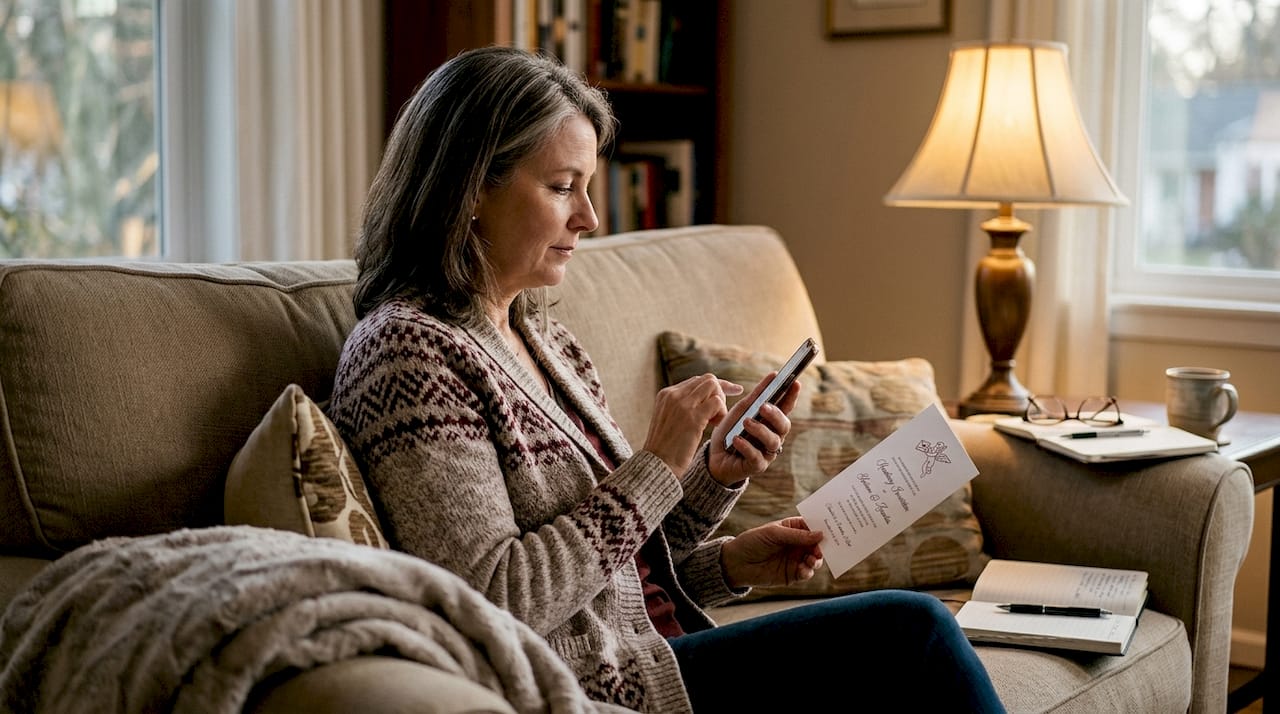
Digital RSVPs allow editable responses and guest limits, which means guests can update their attendance if plans change, and you won't accidentally go over your venue capacity.
Here's a quick look at what the host dashboard typically tracks:
| Dashboard Feature | What It Does |
|---|---|
| Response count | Shows confirmed, declined, pending |
| Guest details | Names, meal choices, plus-ones |
| Reminder log | Tracks who received follow-up messages |
| Export function | Downloads guest list to CSV or spreadsheet |
Pro Tip: Test your RSVP link on both a desktop and a smartphone before sending it out. A form that looks perfect on a laptop can be frustrating to fill out on a small screen, and most guests will open it on their phone first.
For couples who want to take this further, RSVP automation can handle reminders, confirmations, and follow-ups without any manual effort. If you're starting from scratch, designing digital RSVPs walks through the full setup process step by step.
Benefits and challenges of digital RSVP for weddings
Going digital with your RSVPs has some genuinely compelling advantages, but it's worth being honest about the trade-offs too.
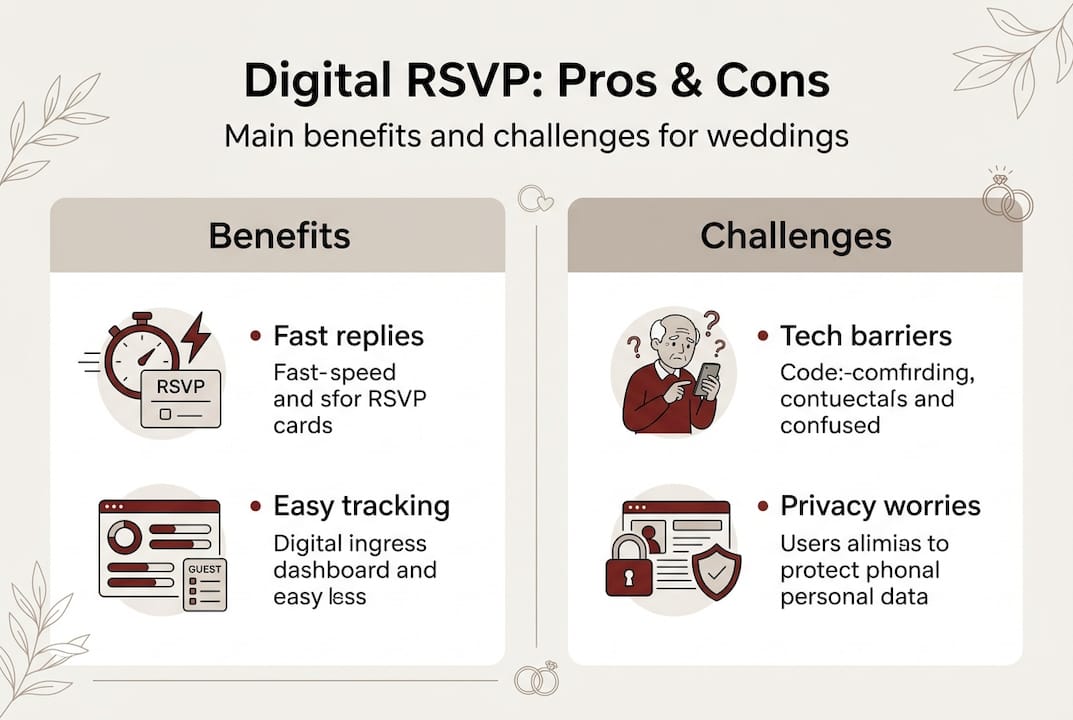
The benefits are hard to argue with:
- Speed. Responses come in within days, not weeks.
- Cost savings. Digital RSVPs cost $0-$200 for 100 guests compared to $370-$870 for paper.
- Accuracy. No more deciphering handwriting or losing cards in a pile.
- Eco-friendly. No paper, no envelopes, no postage. A meaningful way to reduce wedding waste without sacrificing elegance.
- Real-time visibility. You always know exactly where your guest count stands.
The challenges are real, but manageable:
- Formality concerns. Some guests, especially older family members, may feel a digital RSVP lacks the personal touch of a card.
- Tech barriers. Not every guest is comfortable navigating online forms or has reliable email access.
- Spam filters. Invitation emails can land in junk folders, meaning some guests never see your link.
- Privacy questions. Guests may hesitate to enter personal details into an unfamiliar platform.
Tech-averse guests may need paper or hybrid options, and that's completely fine. A hybrid approach, where most guests respond digitally but a small printed card is available for those who prefer it, covers all your bases without extra stress.
Pro Tip: For guests who might struggle with technology, assign a family member or wedding coordinator as a point of contact. That person can submit the RSVP on their behalf, keeping everything in one system.
If sustainability matters to you, eco-friendly invitation automation shows how digital tools can align your wedding values with your planning process.
Common mistakes with digital RSVPs (and how to avoid them)
Even with all the advantages, digital RSVPs can go sideways if you skip a few key steps. Here are the most common mistakes couples make, and exactly how to fix them.
- Not setting a guest limit. Without a cap, guests can bring unexpected plus-ones or submit duplicate responses. Always set a maximum headcount in your RSVP settings.
- Skipping reminder automation. Guests get busy. If you don't schedule automated follow-ups, you'll end up manually chasing dozens of people in the final week before your deadline.
- Assuming everyone is tech-savvy. Grandparents, older relatives, and guests without smartphones may genuinely struggle. Plan for this from the start, not after the fact.
- Forgetting to enable editable responses. Life changes. A guest who said yes in March may need to cancel in May. If your form doesn't allow edits, you'll get confused data.
- Ignoring late or missing responses. Digital RSVP systems need editing controls and reminders to prevent no-shows, but you still need a plan for guests who never respond at all.
"The biggest RSVP mistake isn't choosing digital or paper. It's not following up. A response deadline means nothing without a follow-up strategy."
Pro Tip: Set your RSVP deadline at least two weeks before your actual venue deadline. That buffer gives you time to chase stragglers, make final adjustments, and hand accurate numbers to your caterer without panic.
For a practical system to stay on top of all incoming responses, organize wedding responses offers a clear framework you can apply right away.
Choosing the right digital RSVP solution for your wedding
Not every digital RSVP tool is built the same. The right choice depends on your guest list size, budget, and how much control you want over the experience.
Here's a checklist of what to look for:
- Mobile-friendly design. Most guests will open your link on a phone.
- Guest list integration. Can you export responses to a spreadsheet or connect with your planner's tools?
- Editing and cancellation support. Guests need to be able to update their responses.
- Automated reminders. This feature alone saves hours of manual follow-up.
- Formality options. Does the design match the tone of your wedding?
- Privacy and data handling. Where is guest data stored, and who has access?
- Support and reliability. What happens if the platform goes down the week of your wedding?
Digital RSVP solutions vary in features, formality, and costs, and some integrate guest tracking and automated reminders directly into the invitation experience.
| Solution Type | Best For | Cost Range | Key Limitation |
|---|---|---|---|
| Wedding website | Full integration | $0-$100 | Requires setup time |
| Standalone RSVP app | Simple guest lists | $0-$50 | Less design control |
| Digital invitation service | Premium experience | $50-$200 | Varies by provider |
| Manual spreadsheet | Very small weddings | Free | No automation |
Avoid the trap of overbuying features you won't use. A 30-person backyard wedding doesn't need the same system as a 300-person ballroom event. Match the tool to your actual needs. If you're weighing your options, digital RSVP alternatives breaks down several platforms worth considering.
What most wedding guides miss about digital RSVP systems
Here's something most wedding tech articles skip over: the moment you launch your digital RSVP, you're not just sending a form. You're asking your guests to trust a platform they've never seen before with their personal details and their attendance commitment.
Etiquette still matters, even in a digital format. A cold, generic RSVP link feels impersonal. Guests notice. Adding a short personal note alongside your link, explaining what to expect and why you chose this format, makes a real difference in response rates and guest experience.
Couples and planners who've run digital wedding launches often report the same surprises: a handful of guests who never received the email, a few who submitted twice by accident, and at least one person who called to ask if the link was a scam. None of these are disasters, but they're all avoidable with early communication and a test run.
Privacy is also worth addressing directly. Guests are increasingly cautious about where their data goes. Choosing a platform that handles digital invitations and privacy responsibly, and being transparent about it, builds trust before the wedding even begins.
The couples who get the best results from digital RSVPs aren't the ones with the fanciest platform. They're the ones who communicate clearly, test everything in advance, and treat the digital experience with the same care they'd give a handwritten note.
Streamline your wedding with digital RSVPs
You've now got a clear picture of how digital RSVPs work, where they shine, and where to watch your step. The next move is finding a platform that brings it all together without adding complexity to your planning.
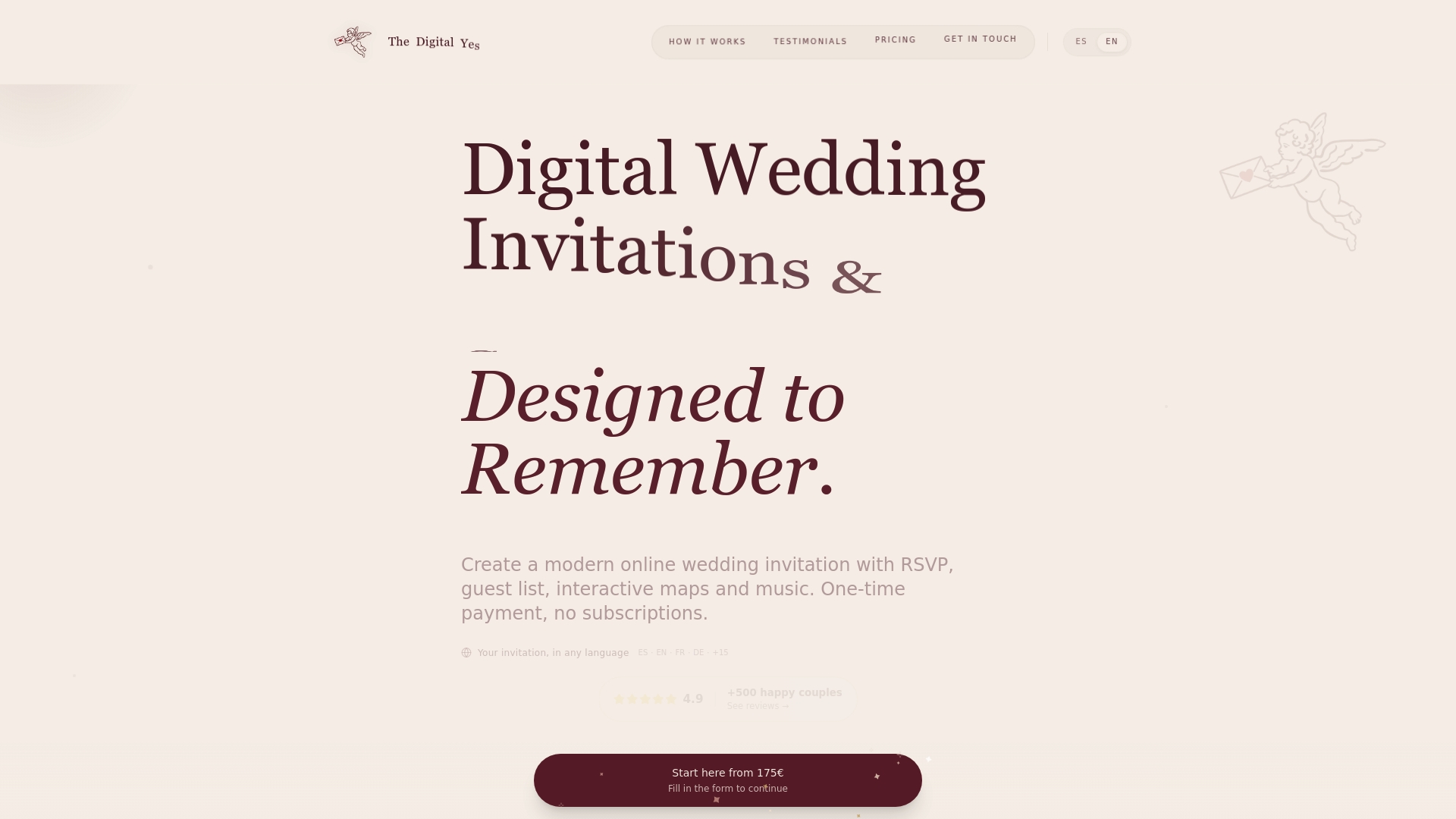
The Digital Yes offers modern digital wedding invitations with built-in RSVP tracking, real-time guest management, and a private dashboard so you always know exactly where your headcount stands. No subscriptions, no recurring fees, just a beautifully designed invitation experience that handles the logistics for you. Whether you're planning an intimate gathering or a large celebration, the platform gives you the tools to communicate with your guests clearly, elegantly, and efficiently. Explore the features and see how a fully integrated digital RSVP for weddings can simplify your entire planning process.
Frequently asked questions
Is a digital RSVP more eco-friendly than paper?
Yes, digital RSVPs reduce paper waste entirely, making them a significantly more sustainable choice for couples who want to minimize their wedding's environmental footprint.
What if some wedding guests aren't comfortable using digital RSVPs?
Offer a hybrid option. Tech-averse guests need fallback options like a phone number to call or a small printed card they can mail back, so no one feels excluded.
How fast do guests usually respond to digital RSVPs?
Most digital RSVPs return within 1-10 days, which is dramatically faster than the 2-4 weeks couples typically wait for paper cards to come back.
Can digital RSVP systems help prevent no-shows?
Yes, automated reminders and editable responses work together to keep your guest list accurate and reduce the chance of last-minute surprises on your wedding day.
Are digital RSVPs appropriate for formal weddings?
Formality varies across platforms, but many digital RSVP tools offer elegant, customizable designs that suit black-tie events just as well as casual celebrations.