

Most couples spend weeks agonizing over wedding invitations, convinced that beautiful, personalized stationery demands hours of manual effort and a budget that rivals the catering bill. That assumption is outdated. Wedding invitation automation lets you generate hundreds of individually personalized digital invites in minutes, not days, using tools that require zero coding knowledge. This guide breaks down exactly how automation works, what it costs, and how to decide whether a fully digital, hybrid, or print approach fits your guest list best.
Table of Contents
- What is wedding invitation automation?
- How invitation automation works: Step-by-step
- Modern features: How automation enhances wedding invitations
- Cost, time, and eco impact: Real-world results
- Real-life scenarios and edge cases: When to choose automation, hybrid, or print
- Expert perspectives: Balancing automation and the human touch
- How to get started with modern wedding invitations
- Frequently asked questions
Key Takeaways
| Point | Details |
|---|---|
| Time-saving transformation | Wedding invitation automation cuts prep time from days to minutes using guest list data and automation tools. |
| Personalization at scale | You can create unique, multimedia-rich invitations for each guest—without manual effort. |
| Eco-friendly choice | Digital and automated invitations significantly reduce paper waste and carbon footprint. |
| Flexible for all guests | Hybrid setups let you tailor the experience for tech-averse or multilingual invitees. |
| Easy, not technical | No-code platforms make automation accessible, even with no tech background. |
What is wedding invitation automation?
Wedding invitation automation is the process of using software to create and send personalized invitations at scale, without touching each one manually. Think of it as mail merge, but far more powerful and visually polished.
Traditional paper invitations require design, printing, addressing, and mailing, each step done by hand or outsourced at a premium. Standard digital invitations improve on that by removing postage, but you still often customize each one individually. Automated invitations go further: no-code tools and APIs bulk-generate personalized digital or printable invitations directly from guest list data stored in spreadsheets like Airtable or Google Sheets.
The core tools involved are simple. Spreadsheets like Airtable or Google Sheets hold your guest data. Automation platforms like Zapier or Make connect that data to design APIs like Stencil or Bannerbear, which generate the finished invitation files. You set it up once, and the system does the rest. For digital invitation design tips that make your templates shine, the design phase is where your creativity comes in.
| Feature | Traditional print | Standard digital | Automated digital |
|---|---|---|---|
| Time to send 150 invites | 3 to 5 days | 4 to 8 hours | Under 30 minutes |
| Personalization | Limited | Moderate | Full, per guest |
| Eco-friendliness | Low | High | High |
| Cost per 150 guests | $550+ | $50 to $150 | $20 to $80 |
How invitation automation works: Step-by-step
The workflow sounds technical, but in practice it is surprisingly straightforward. Once you see the steps laid out, you will realize this is something any couple can set up on a Sunday afternoon.
Here is how a typical automated invitation workflow plays out:
- Build your guest list in a spreadsheet (Airtable or Google Sheets), with columns for name, email, meal preference, plus-one status, and any custom fields you need.
- Choose or design a template using a design API like Bannerbear or Stencil. Add dynamic placeholders for each personalized field, such as guest name or unique RSVP link.
- Connect the tools using Zapier or Make. Set a trigger (like a new row added to your spreadsheet) that fires the invitation creation process automatically.
- Generate the invitations. The platform populates each template with the correct guest data and produces a finished image or PDF file for every person on your list.
- Send the invitations via email, WhatsApp, or a direct link, each one addressed personally to the right guest.
The setup time for a full workflow using dynamic template generation and API calls is under 15 minutes, which is genuinely surprising for first-timers. For a step-by-step digital design walkthrough that pairs well with this workflow, that resource covers the visual side in detail.
Pro Tip: Before you run the full automation, test the entire workflow with just one or two guest entries. Check that names appear correctly, RSVP links work, and the design renders well on both desktop and mobile.
Modern features: How automation enhances wedding invitations
Automation is not just about speed. It unlocks features that paper invitations simply cannot offer, and that standard digital invites rarely deliver at scale.
Going paperless is the most obvious win. No printing costs, no postage, no waste. But the real advantages go deeper. RSVP tracking via QR codes and forms updates your guest list automatically, so you always know exactly who is coming without chasing anyone down by phone.
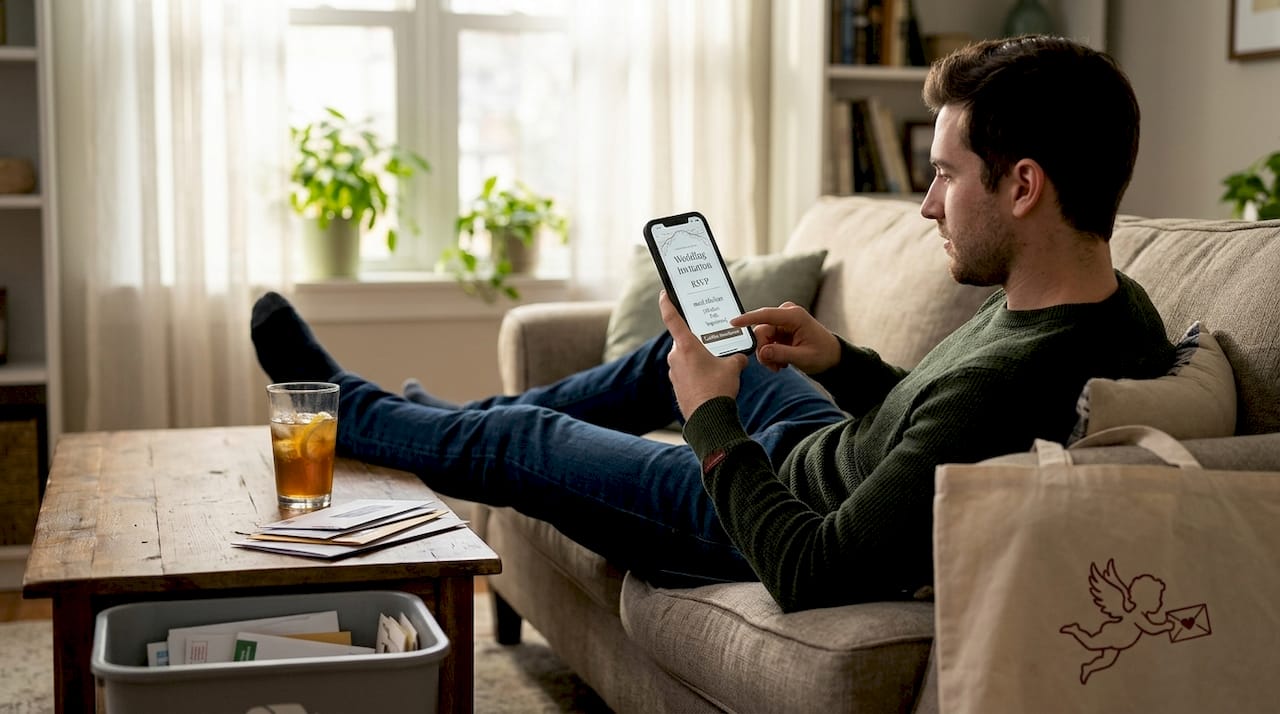
Multimedia elements transform a flat invitation into an experience. You can embed a short video message, a photo gallery from your engagement shoot, or even a custom song. Each guest gets something that feels genuinely personal, not mass-produced. And because automation handles the personalization at scale, adding a guest's name, table number, or a custom note takes no extra time per person.
Here is a quick summary of the modern features that matter most to couples right now:
- Automated RSVP tracking with real-time updates and guest list sync
- QR code links that take guests directly to a personalized response form
- Embedded multimedia including video, music, and photo galleries
- Custom fields for meal preferences, dietary restrictions, and plus-ones
- Multi-language support for multicultural or international guest lists
- Eco-friendly delivery via email or social sharing with zero paper waste
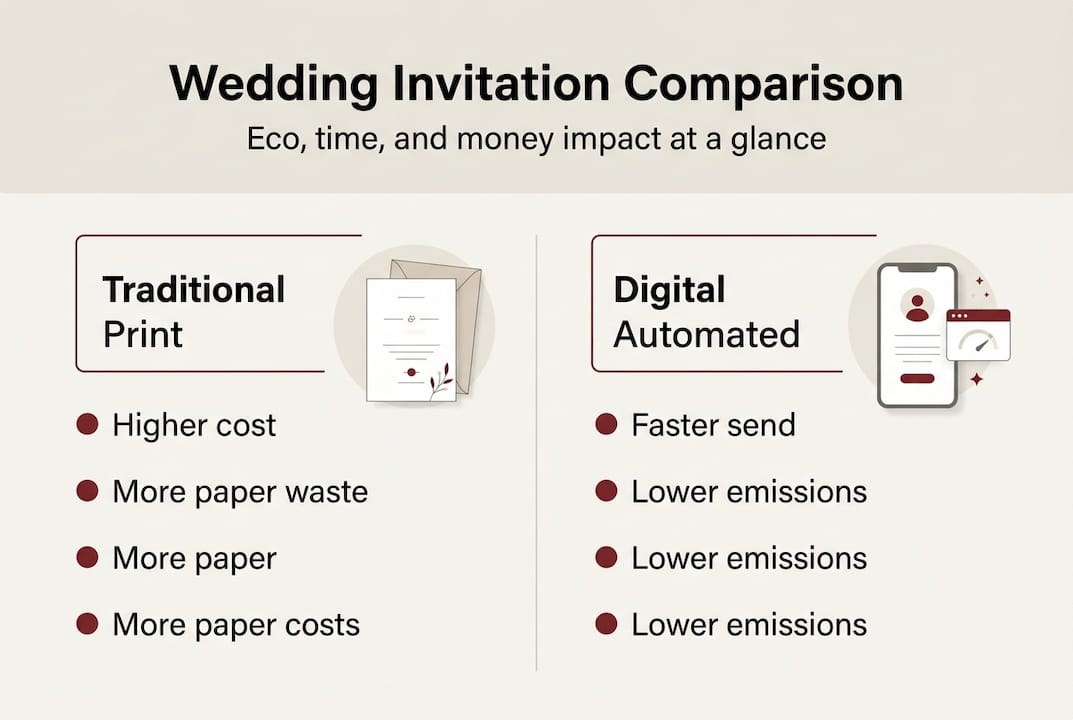
The numbers back this up. Digital and automated invitations can save $200 or more per 150 guests compared to print, while cutting manual work from days to minutes. For couples who want to explore RSVP tracking in depth, the tools available today make guest management genuinely effortless.
Cost, time, and eco impact: Real-world results
Let's put real numbers on the table, because the difference between print and digital automation is more dramatic than most couples expect.
Paper invites for 150 guests cost $550 or more, factoring in design, printing, envelopes, and postage. Digital and automated options bring that figure down sharply, and they also eliminate the two to three week lead time that print requires.
| Method | Avg. cost (150 guests) | Time to complete | Environmental impact |
|---|---|---|---|
| Traditional print | $550 to $900 | 2 to 3 weeks | High paper and CO2 use |
| Standard digital | $50 to $150 | 4 to 8 hours | Minimal |
| Automated digital | $20 to $80 | Under 1 hour | Minimal |
Delivery reliability is another factor worth noting. Platforms like Greenvelope and Paperless Post report delivery rates between 95 and 99 percent, which is comparable to physical mail without the risk of lost envelopes or weather delays.
The environmental case is compelling too. A single traditional wedding invitation suite, including envelope, inner envelope, RSVP card, and insert, can use up to four sheets of card stock per guest. For 150 guests, that adds up fast. Digital invitations eliminate all of that.
"AI reduces invitation drafting from days to minutes, giving couples back time they can spend on what actually matters."
For couples who want to explore saving on invitation costs further, or who are curious about luxury digital features that elevate the experience, both are worth a look.
Real-life scenarios and edge cases: When to choose automation, hybrid, or print
Automation works beautifully for most guests, but every wedding has a few edge cases worth planning for.
The most common one is older or tech-averse family members who may not be comfortable opening a digital invite or clicking an RSVP link. The solution is simple: print hybrids for tech-averse guests work well, where you automate the digital batch and print a small run of physical copies for select guests only. This keeps costs low while making sure no one feels left out.
Multicultural weddings benefit enormously from automation. Multi-language invites can be generated from the same template by adding a language field to your spreadsheet, so English-speaking and Spanish-speaking guests each receive an invite in their preferred language without any extra manual work.
Here are the most common scenarios and the best approach for each:
- Large guest list, tight timeline: Full automation is the clear choice. Set it up once and send in minutes.
- Older or tech-averse guests: Use a hybrid model. Automate digital for most guests, print a small batch for others.
- Multicultural or bilingual wedding: Automation with a language field handles this elegantly.
- Guests with complex RSVPs (plus-ones, meal choices): Custom fields in your spreadsheet feed directly into personalized RSVP forms.
- Very intimate wedding (under 30 guests): Handwritten notes or semi-manual digital invites may feel more personal.
For organizing guest responses once RSVPs start coming in, having a system in place from the start saves a lot of headaches later.
Pro Tip: Always send a preview email or test print to yourself and one other person before the full send. Catching a typo in the venue address or a broken RSVP link before 150 guests see it is worth the extra five minutes.
Expert perspectives: Balancing automation and the human touch
Automation skeptics often raise one concern: does a computer-generated invitation feel less meaningful than something crafted by hand? It is a fair question, and the honest answer is nuanced.
Experts who have reviewed the best wedding invitation platforms in 2025 consistently note that automation scales personalization efficiently, but some couples and guests still associate digital formats with less formality. That perception is shifting fast, especially among younger guests, but it is worth acknowledging.
"Automation is a complement, not a replacement, for the human touch that makes a wedding invitation feel special."
The smartest approach most experts recommend is treating automation as a tool that handles the repetitive, time-consuming parts, while you focus your energy on the design, the wording, and the personal details that guests will actually remember. A hybrid model, where digital invitations go to most guests and a small handwritten note accompanies printed copies for a few key family members, often delivers the best of both worlds.
The goal is never to remove the warmth from your invitations. It is to free up your time so you can put that warmth exactly where it counts.
How to get started with modern wedding invitations
If everything you have read here has you ready to skip the print shop entirely, the next step is finding a platform that brings all of these features together without requiring you to stitch together five different tools.
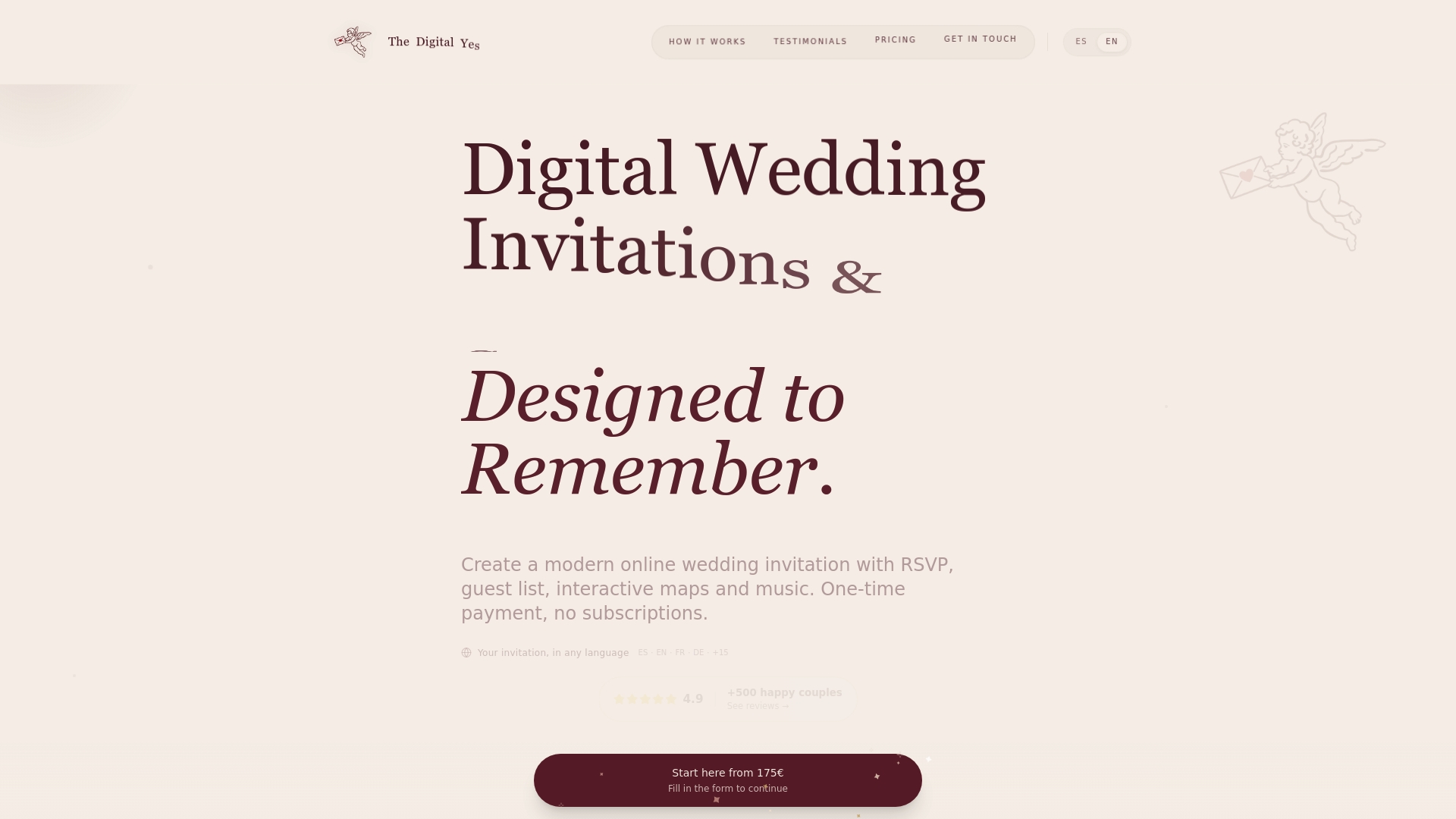
Digital Wedding Invitations from The Digital Yes are built for exactly this moment. The platform combines beautiful, customizable templates with built-in RSVP tracking, guest management, multimedia support, and multi-language options, all in one place. There are no recurring subscriptions, just a one-time payment for an invitation experience that reflects your style and values. Whether you want a fully automated send or a bespoke design with personal touches, The Digital Yes makes it easy to create something your guests will genuinely remember. Browse the templates, explore the features, and see what modern wedding invitations can look like when they are done right.
Frequently asked questions
Is wedding invitation automation only for tech-savvy couples?
Not at all. Platforms designed for couples make the process intuitive, and setup takes under 15 minutes for a complete workflow, even without any coding experience.
Will automated invitations offend older or traditional guests?
You can easily send print hybrids to tech-averse guests while keeping digital for everyone else, so no one feels overlooked.
Can RSVP tracking and meal choices be automated too?
Yes. RSVP tracking via QR codes and custom form fields for meal preferences sync directly with your guest list in real time.
Does automation really save much time or money?
The savings are significant. AI drafting cuts days to minutes and digital automation saves $200 or more per 150 guests compared to traditional print.
Are there any privacy risks with automated digital invites?
Reputable automation platforms use secure, private links and encrypted forms. Always review the provider's privacy policy before sharing guest data to make sure it meets your comfort level.