

Planning a wedding brings countless decisions, but managing guest responses doesn't have to add stress. Traditional paper RSVPs often result in lost cards, unclear headcounts, and last-minute confusion that disrupts vendor coordination. Digital wedding invitations with integrated RSVP tracking transform this process into a streamlined system where every response updates automatically. This guide walks you through preparing your guest list, collecting responses efficiently, troubleshooting common challenges, and finalizing details for a seamless wedding day.
Table of Contents
- Preparing To Organize Wedding Guest Responses
- Step-By-Step Guide To Collecting And Tracking Rsvp Responses
- Troubleshooting Common Rsvp Response Challenges
- Verifying And Organizing Final Guest Lists For Wedding Day Readiness
- Organize Your Wedding Guest Responses With The Digital Yes
- Faq
Key takeaways
| Point | Details |
|---|---|
| Digital tools simplify tracking | Automated RSVP systems eliminate manual spreadsheet updates and reduce errors |
| Preparation prevents confusion | Clear guest lists and deadlines create structure before sending invitations |
| Proactive management solves issues | Early follow-ups and systematic tracking handle late or conflicting responses |
| Final verification ensures readiness | Confirmed headcounts and organized data help vendors deliver flawless service |
Preparing to organize wedding guest responses
Successful RSVP management starts long before you send invitations. Creating a comprehensive guest list forms the foundation of organized tracking. Segment your list by invitation type, such as ceremony only, reception only, or full event access. This categorization helps you send targeted invitations and prevents confusion about which events guests can attend.
Choosing the right digital invitation platform determines how smoothly you'll track responses. Look for tools offering real-time RSVP updates, guest list exports, and customizable response forms. Bespoke digital invitations provide personalized experiences while maintaining efficient backend tracking. Compare platforms based on features that matter most for your wedding size and complexity.
Setting clear RSVP deadlines gives guests enough time to respond while allowing you to finalize plans. Aim for deadlines 3-4 weeks before your wedding date. Specify exactly what information you need: attendance confirmation, meal preferences, plus-one details, and dietary restrictions. The more structured your request, the easier organizing becomes.
Communicate RSVP instructions clearly in your invitation. Include the deadline prominently, explain how to submit responses through your digital platform, and specify who should respond for families or groups. Proper preparation including an accurate guest list and clear RSVP instructions prevents the confusion that derails wedding planning.
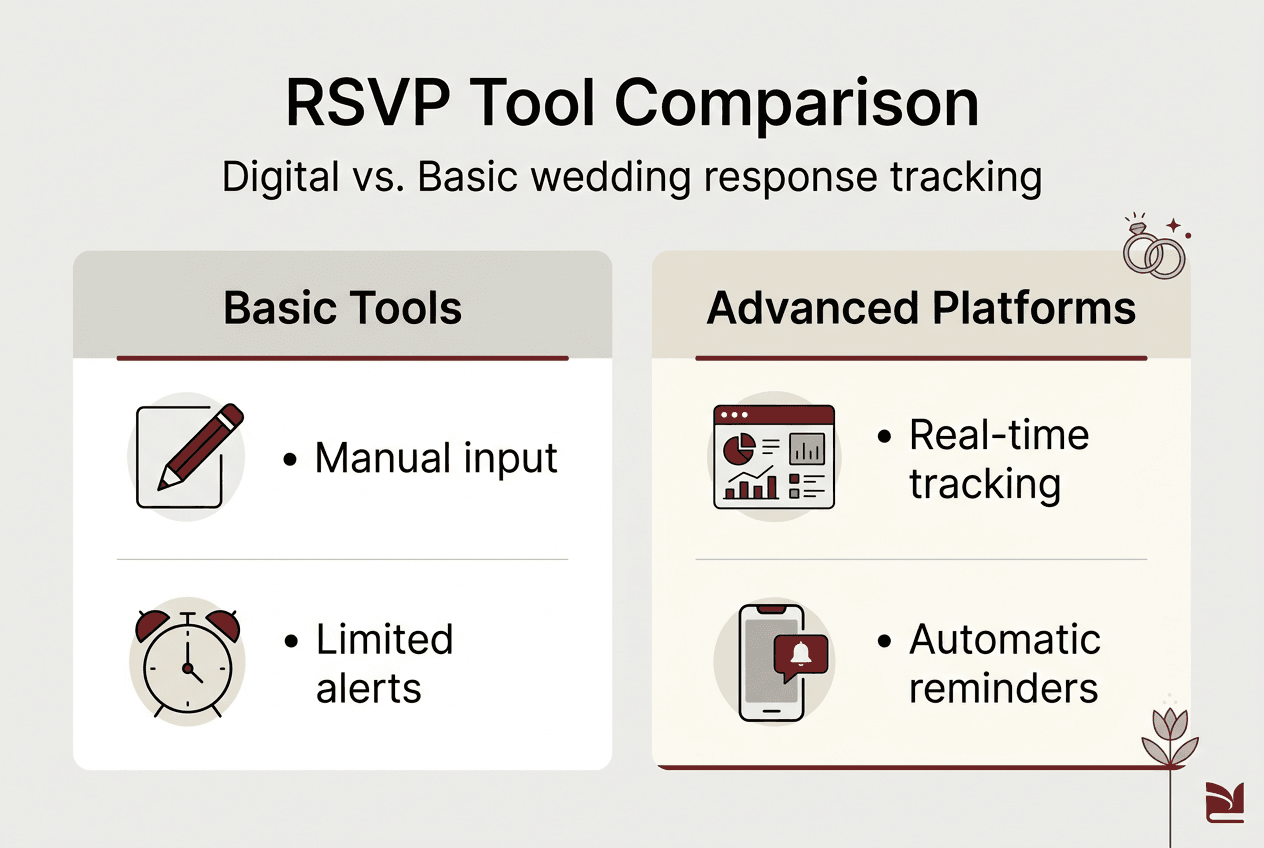
| Platform Feature | Basic Tools | Advanced Digital Platforms |
|---|---|---|
| Real-time tracking | Limited | Automatic updates |
| Guest list export | Manual copy/paste | One-click CSV download |
| Response reminders | Manual emails | Automated notifications |
| Multi-language support | Rarely available | Built-in translation |
| Meal preference collection | Separate form needed | Integrated in RSVP |
Pro Tip: Test your digital RSVP system by sending a preview invitation to yourself and a few trusted friends before the official launch to catch any technical issues.
Step-by-step guide to collecting and tracking RSVP responses
Once preparation is complete, sending digital invitations launches your response collection phase. Choose a send date that gives guests adequate notice, typically 6-8 weeks before your wedding for local guests and 10-12 weeks for destination weddings. Your digital platform should allow you to schedule sends or distribute invitations in batches if you're managing a large guest list.
- Send personalized digital invitations with embedded RSVP buttons that link directly to response forms
- Monitor your dashboard daily during the first week after sending to catch early responses and technical issues
- Create response categories in your tracking system: confirmed attending, declined, awaiting response, and tentative
- Update guest statuses immediately when responses arrive to maintain accurate headcounts
- Schedule reminder messages for non-responders two weeks before your deadline
- Log any verbal or phone responses manually into your digital system to keep all data centralized
- Export updated guest lists weekly to share progress with your wedding planner and key vendors
Using specialist software for RSVP management eliminates the spreadsheet chaos that plagues traditional tracking methods. Digital platforms automatically categorize responses, calculate running totals, and flag incomplete information. You'll see exactly how many guests confirmed, how many meal selections you've received, and which invitations haven't been opened.
Set up automated notifications so you receive alerts when new responses arrive. This real-time awareness lets you track momentum toward your RSVP goal without constantly checking your dashboard. Most platforms also show you which guests viewed your invitation but haven't responded yet, helping you prioritize follow-up communications.

Handle guest changes efficiently by updating your digital system immediately. If someone who declined suddenly can attend, or vice versa, log the change and notify affected vendors the same day. Digital systems make these adjustments simple compared to crossing out names on paper lists or hunting through email threads.
Pro Tip: Create a shared view-only link to your RSVP dashboard for your wedding planner and close family members who are helping coordinate, so everyone works from the same current data.
Troubleshooting common RSVP response challenges
Even with digital tools, some guests will miss deadlines or submit confusing information. Late responses create the most common headache. Some guests ignore deadlines, forget to respond, or assume their attendance is obvious without formal confirmation. Late or missing responses force last-minute vendor adjustments that could have been avoided.
Send gentle follow-up messages one week after your deadline to non-responders. Keep the tone warm and understanding rather than demanding. Your digital platform likely offers templates for polite reminder messages that you can personalize. For close family or friends, a quick phone call often works better than another digital message.
- Track RSVP changes systematically by noting the date, previous status, and new status for every modification
- Address conflicting information immediately by contacting the guest directly to clarify their intentions
- Prevent double bookings by verifying that plus-one names match across all communications
- Catch missed invitations early by comparing your send list against delivery confirmations from your platform
- Document verbal confirmations in writing by sending a quick follow-up message asking guests to confirm via your digital system
Some guests submit responses with incomplete information, such as confirming attendance without selecting meal preferences. Your digital RSVP form should require all essential fields before allowing submission, but you may receive partial responses through other channels. Contact these guests promptly to gather missing details rather than making assumptions that could cause problems on your wedding day.
"The difference between a smooth wedding reception and a chaotic one often comes down to how early you identify and resolve RSVP discrepancies. Waiting until the week before your wedding to chase down missing information creates unnecessary stress for everyone involved."
Guests sometimes respond for more people than invited, particularly when invitation wording isn't crystal clear about who's included. Your digital system should display exactly who's invited under each invitation, making it easy to spot and address these situations diplomatically. Reach out privately to explain the guest list parameters and work toward a resolution.
Verifying and organizing final guest lists for wedding day readiness
Confirming your final headcount marks the transition from collecting responses to executing wedding day logistics. Pull a complete report from your digital RSVP platform showing all confirmed attendees, meal selections, and special requirements. Cross-reference this data against your original guest list to catch any discrepancies before they become problems.
Create seating arrangements using your verified RSVP data. Digital platforms often export guest lists in formats compatible with seating chart software, saving hours of manual data entry. Group guests logically based on relationships and any notes you've collected about who knows whom. Share preliminary seating plans with close family members to catch potential issues before finalizing.
Communicate finalized numbers to every vendor who needs them. Your caterer requires exact meal counts broken down by selection. Your venue coordinator needs total attendance for space setup. Your photographer should know approximate guest count for timeline planning. Organized final guest lists prevent the miscommunication that leads to insufficient food, cramped seating, or rushed photo sessions.
| Task | Manual Process | Digital Platform Process |
|---|---|---|
| Final headcount verification | Count spreadsheet rows, check for duplicates | Automatic calculation with duplicate detection |
| Meal count breakdown | Manual tallying by category | Instant report by meal type |
| Vendor list sharing | Reformat and email separately | Export and distribute in one click |
| Last-minute updates | Edit multiple documents | Update once, auto-sync everywhere |
| Seating chart creation | Retype names into new software | Direct export to seating tools |
Best practices for final verification include:
- Schedule a final RSVP review meeting with your planner 10 days before the wedding
- Lock your guest list 7 days out and communicate this deadline clearly to remaining non-responders
- Print a backup copy of your final guest list in case of technical issues on wedding day
- Assign someone to manage day-of arrivals and unexpected plus-ones using your digital system
- Create a separate list of VIP guests who require special attention or seating
Export your RSVP data in multiple formats for different uses. CSV files work well for spreadsheet analysis and vendor sharing. PDF reports provide clean printouts for coordinators who prefer paper references. Some platforms generate formatted name cards or place cards directly from your guest list, eliminating another manual task.
Pro Tip: Create a mobile-friendly version of your final guest list that wedding day coordinators can access on their phones for quick lookups when guests arrive.
Organize your wedding guest responses with The Digital Yes
Managing wedding RSVPs becomes effortless when you use purpose-built tools designed for modern couples. The Digital Yes platform offers digital wedding invitations with RSVP tracking that automatically organizes every response in real time. You'll see exactly who's attending, what meals they selected, and which guests still need to respond, all in one intuitive dashboard.
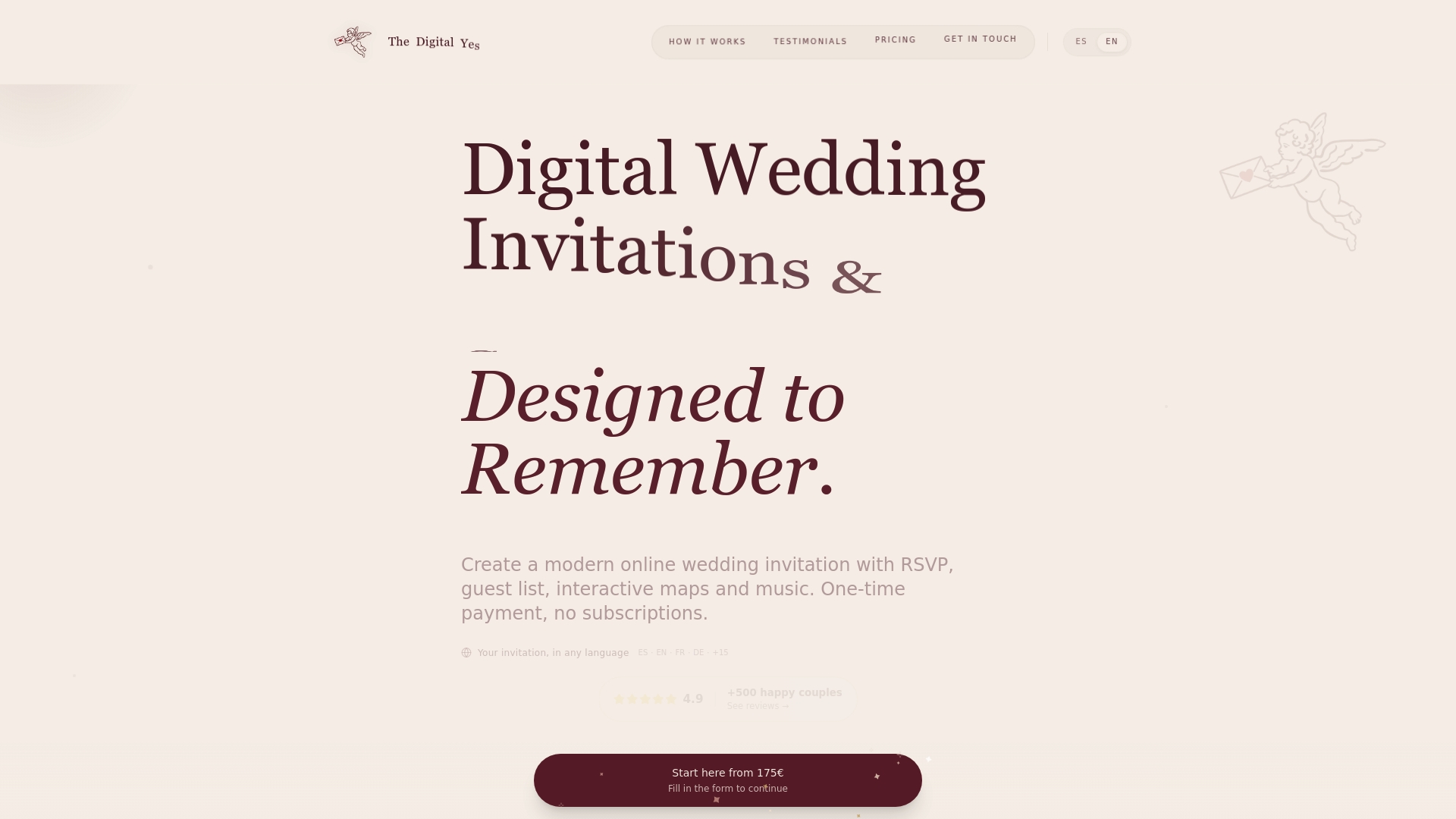
The platform eliminates the spreadsheet juggling and email hunting that makes traditional RSVP management so time consuming. Customize your invitation design to match your wedding aesthetic while the backend handles all the technical complexity of response collection and organization. Features like automated reminders, multi-language support, and instant guest list exports mean you spend less time on administrative tasks and more time enjoying your engagement.
Pro Tip: Enhance guest engagement by adding personalized music or photo galleries to your digital invitation, creating an interactive experience that encourages prompt responses.
FAQ
How do I politely follow up with guests who haven't responded to the wedding invitation?
Send a friendly reminder message via email or your digital platform about one week after your RSVP deadline. Keep your tone warm and understanding, acknowledging that people have busy lives. For close friends or family, a personal phone call often works better than another digital message and shows you value their presence.
Can I track RSVP responses if I send invitations in multiple languages?
Yes, many digital platforms offer multi-language support for both invitations and RSVP forms. Guests can respond in their preferred language while all data syncs to your central dashboard in a unified format. This ensures everyone can participate comfortably without creating separate tracking systems for different language groups.
What information should I request in the RSVP to plan effectively?
Ask for attendance confirmation, meal preferences, plus-one details, and any special dietary needs or accessibility requirements. Include fields for guest names exactly as they'll appear on place cards to avoid spelling confusion. Clear, comprehensive RSVP forms prevent the back-and-forth communication that creates planning delays and vendor coordination issues.
How do I handle last-minute RSVP changes from guests?
Use your digital RSVP platform's update features to log changes immediately when guests notify you of status modifications. Document the original response, new status, and date of change for your records. Communicate updates to your planner and affected vendors the same day, especially for changes that impact catering counts or seating arrangements within two weeks of your wedding date.