
Planning an event can feel overwhelming. Finding the right digital invitation platform makes all the difference. Many tools promise convenience and creative options, but each brings something unique to the table. What if the alternative you choose changes the way you organize gatherings or communicate with guests? Getting a glimpse at the top choices can spark new ideas for your next celebration. Which features will you value most as you compare the options ahead?
Table of Contents
The Digital Yes
At a Glance
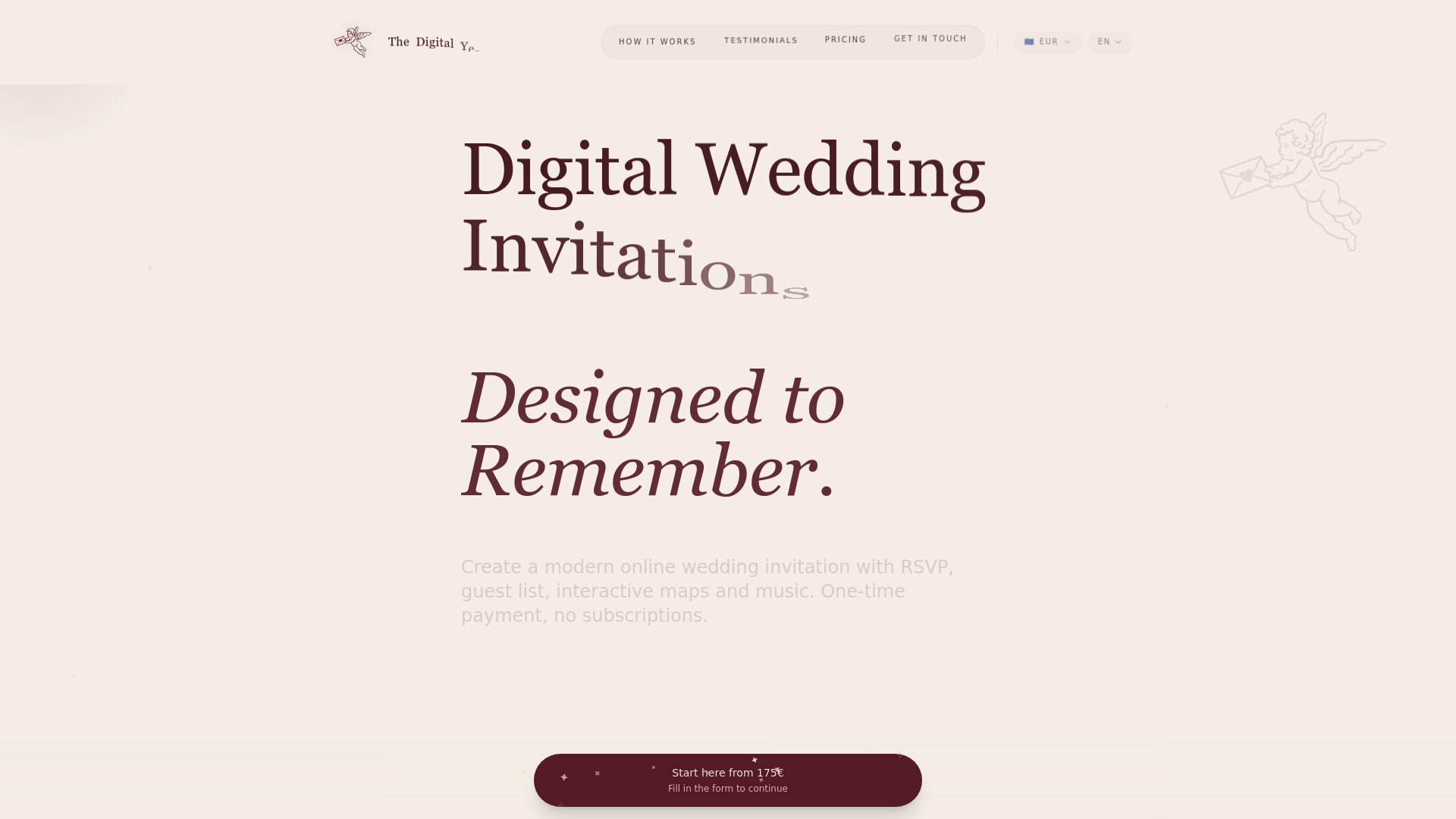
The Digital Yes is the leading digital wedding invitation platform for couples and wedding planners who want interactive, eco friendly invites with powerful guest tools. It combines elegant design options with strong RSVP tracking and guest management.
Core Features
The platform offers online wedding invitations and Save the Date cards with built in RSVP management and guest list handling. Invitations support interactive maps, embedded music, photo galleries, multi language support and demo previews.
Pros
-
One-time payment, no subscriptions: You pay once per invitation or package which removes ongoing fees and simplifies budgeting for couples and planners.
-
Multilingual support: The platform supports ES EN FR DE plus more than 15 other languages which helps mixed language guest lists feel included.
-
High customer satisfaction: A 4.9 rating from over 500 couples reflects consistent positive experiences and reliable delivery of features.
-
Interactive and multimedia features: Music integration, interactive maps and photo galleries create invitations that feel like an event preview rather than a static card.
-
Easy to customize and use: Template based options plus bespoke creation choices make it straightforward for nontechnical users and flexible for designers.
Who It's For
Couples planning weddings and wedding planners who want a modern, customizable, and easy to use solution will get the most value from The Digital Yes. It fits buyers who prioritize sustainability, multimedia storytelling, and precise guest tracking.
Unique Value Proposition
The Digital Yes stands out because it pairs industry leading guest tools with a one time payment model and private organizer dashboards. Real time confirmation updates, guest list exports and no recurring fees make it superior for smart buyers who want control, visibility and predictable costs.
Real World Use Case
A couple uses The Digital Yes to design beautiful invitations, publish interactive maps for venue and hotel details, embed a favorite song in the invite and track RSVPs as responses arrive. The planner exports the guest list and reviews confirmations from a private dashboard.
Pricing
Pricing uses a one time payment structure and does not require subscriptions. Specific price points were not provided in the content so buyers will request a quote or view package demos on the site to select an option that fits their event.
Website
Website: https://thedigitalyes.com
InviteMaker
At a Glance
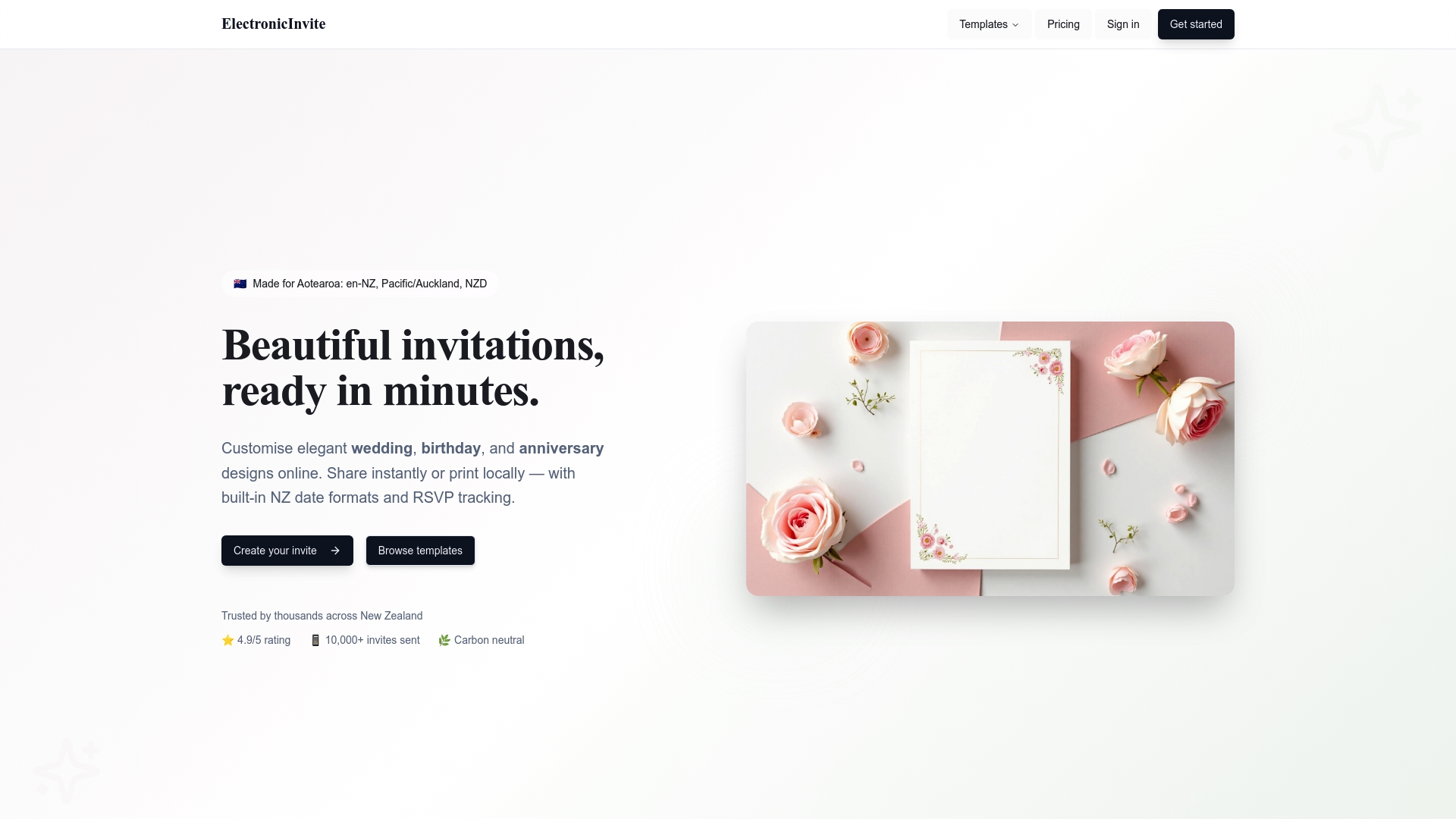
InviteMaker is a New Zealand platform for crafting digital invitations for weddings birthdays and anniversaries with a clear step by step design flow and built in RSVP tracking. It caters to local needs in Aotearoa New Zealand while promoting environmental benefits and a free forever plan.
Core Features
InviteMaker provides customizable templates for weddings birthdays and anniversaries along with instant sharing via digital links and local printing options. The platform includes built in RSVP tracking with real time responses and supports NZ date formats (dd/mm/yyyy) plus carbon neutral hosting and Pro plan exports for professional quality PDFs.
Pros
-
Easy to use with a step by step process. New users follow a guided flow that reduces setup time and speeds invitation creation for busy couples and event organizers.
-
Supports local NZ date formats and printing needs. The platform handles regional conventions and local print exports so invitations match Aotearoa standards.
-
Offers a free plan with no credit card required. You can start designing and sharing invitations without upfront payment which helps budget conscious couples.
-
High user ratings from a large sample. The service reports a 4.9 out of 5 rating from over 1,200 reviews which signals strong customer satisfaction.
-
Environmentally friendly with digital invites. Digital delivery reduces paper waste and pairs well with couples who prioritize low impact celebrations.
Cons
-
Some advanced features require a Pro subscription which means full functionality is behind a paywall.
-
Limited information on the variety of customization options for non pro users makes it hard to predict how much design flexibility is available on the free plan.
-
Specific details about design limitations are not provided which may leave planners unsure about layout control for complex invitations.
Who It's For
InviteMaker suits individuals couples and event organizers in New Zealand who want a local format friendly digital invitation solution with simple RSVP management. It fits planners who need quick setup and the option to print locally for formal events.
Unique Value Proposition
InviteMaker stands out for combining NZ specific formatting and local printing support with carbon neutral hosting and easy sharing. That mix appeals to couples who want regionally correct invitations that are both eco friendly and simple to manage.
Real World Use Case
A couple in Wellington uses a wedding template customizes wording and photos shares the invitation link with guests and tracks RSVPs in real time. They export a high quality PDF on the Pro plan for a handful of formal printed invites.
Pricing
Free to start with a free forever plan. Pro features and watermark free exports are available with a subscription which unlocks professional quality PDF exports and additional functionality.
Website
Website: https://electronicinvite.com/
Paperless Post
At a Glance
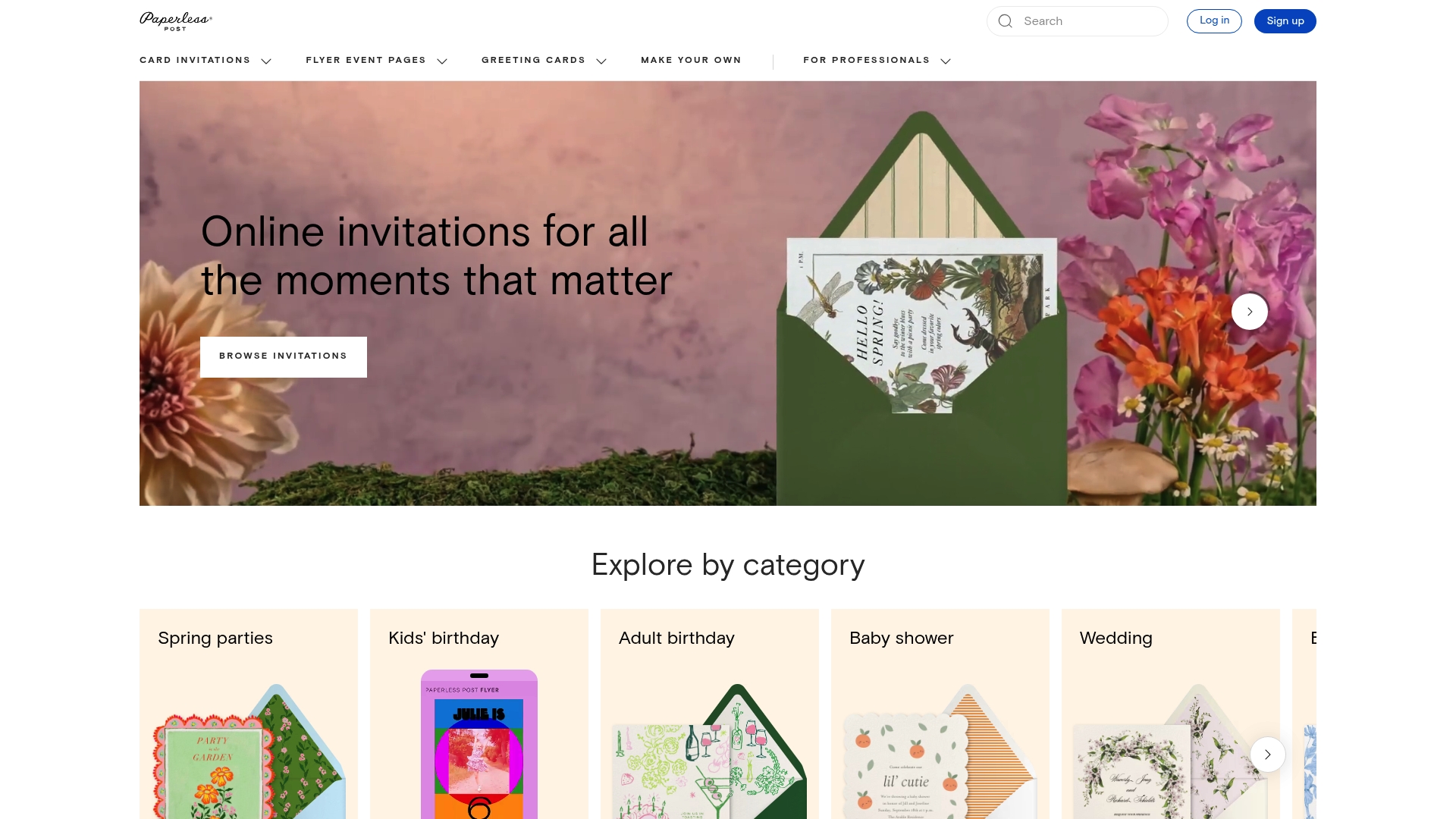
Paperless Post offers stylish digital invitations and event management tools that blend design and organization for weddings and social occasions. It pairs polished templates with RSVP tracking and guest messaging to replace paper invites while keeping a refined look.
Core Features
Paperless Post provides an extensive template collection plus customizable invitations where you can add photos, logos, colors, and illustrations. The platform includes RSVP tracking, guest messaging, reminders, shareable event pages with schedules and maps, and options to send by email, text, or links.
Pros
-
Wide template selection gives couples and planners many professionally designed starting points that reduce design effort while keeping a high-end aesthetic.
-
Built-in event management offers RSVP tracking, reminders, and guest messaging so you can coordinate responses without juggling multiple tools.
-
Customizable branding options let you add photos, logos, and color palettes so the invitation and event page match your wedding theme or corporate identity.
-
Printed invitation option through Paper Source provides a bridge to traditional paper for couples who want both digital and physical keepsakes.
-
Ad free experience keeps guest interactions clean and focused on your event without distracting promotions.
Cons
-
Costs for premium features can add up for larger guest lists because some advanced designs and sends require Coins or paid plans.
-
Pricing complexity makes it difficult to quickly calculate total spend since fees depend on guest count and chosen features.
-
Advanced customization learning curve means users who want deep design control will spend extra time learning the interface.
Who It's For
Paperless Post suits engaged couples, wedding planners, and small to medium sized businesses that value design and want digital tools for guest management. It works best for users who want elegant visuals paired with reliable RSVP and messaging features.
Unique Value Proposition
Paperless Post stands out by combining high end invitation design with practical event tools. The platform balances creative templates and brandable pages with operational features like guest messaging and schedule pages so you manage the event flow from a single place.
Real World Use Case
A couple preparing a 150 person wedding can use Paperless Post to send themed digital invites, track RSVPs in real time, message guests about seating or timeline changes, and publish an event page with directions and photos. They can add printed keepsakes through Paper Source if desired.
Pricing
Paperless Post offers pay per event with Coins, an annual subscription for multiple events, and a Paperless Pro plan for unlimited features. Coin packages are available such as 25 Coins for $12 and 200 Coins for $46, and annual subscription pricing begins near $250 per year depending on guest count.
Website: https://paperlesspost.com
Greenvelope
At a Glance
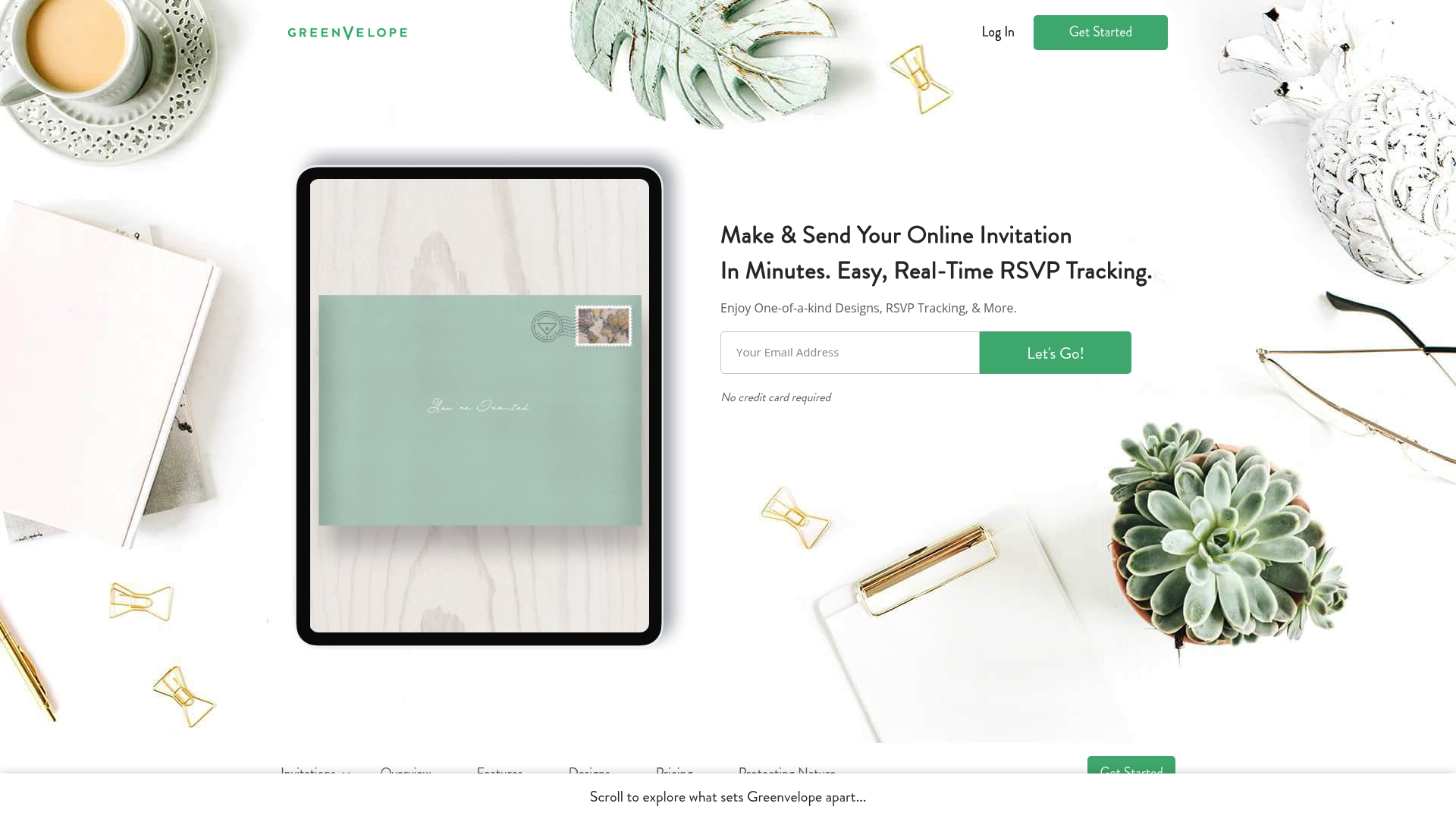
Greenvelope delivers elegant, eco-friendly online invitations with strong RSVP tools and thoughtful design options. It fits couples and planners who want a digital invite that feels like a premium paper suite while cutting waste and tracking guest responses in real time.
Core Features
Greenvelope offers customizable designs for weddings and other events, with options for fonts, colors, photos, and layouts. The platform includes real-time RSVP tracking, guest list importation, address validation, messaging, photo uploads, music, and survey questions to collect extra details.
Pros
-
Elegant, customizable designs: The platform provides polished templates and the option to upload your own artwork so invitations look cohesive and high end.
-
Comprehensive RSVP tracking: Real-time responses, automatic reminders, and survey questions make guest management more accurate and less time consuming.
-
Eco-friendly approach: Using digital invitations reduces paper waste and aligns with couples who prioritize sustainability and charitable partnerships.
-
User-friendly tools: Uploading photos, editing layouts, and sending messages work through an interface that most users learn quickly.
-
Useful extras for engagement: Built-in messaging, photo galleries, and music help create an interactive invitation experience that keeps guests excited.
Cons
-
Pricing can be higher compared to simpler digital invitation options, which may deter couples on a tight budget.
-
The service is limited to digital invitations only and does not offer physical printing or mailing, which some hosts still want.
-
Users seeking very quick, minimal invites may find the feature set more complex than necessary for a simple announcement.
Who It's For
Greenvelope suits engaged couples, families, and wedding planners who want polished, customizable digital invitations with robust guest tracking. It also fits corporate event organizers who need reliable RSVP tools and a branded, elegant presentation for attendees.
Unique Value Proposition
Greenvelope combines the look and feel of high quality paper invitations with modern digital conveniences. The platform stands out by pairing real-time RSVP tools with customizable, photo-forward designs and a clear sustainability message that appeals to eco-conscious hosts.
Real World Use Case
A bride and groom use Greenvelope to send stylish wedding invitations, upload engagement photos, and ask dietary questions via surveys. They track RSVPs as they come in, send reminders automatically, and export the guest list for seating and catering with less back-and-forth.
Pricing
Pricing starts at $19 for up to 20 people with tiered packages for larger guest lists. Greenvelope also offers monthly and annual membership options that allow unlimited events for hosts who plan multiple gatherings per year.
Website: https://greenvelope.com
Evite
At a Glance
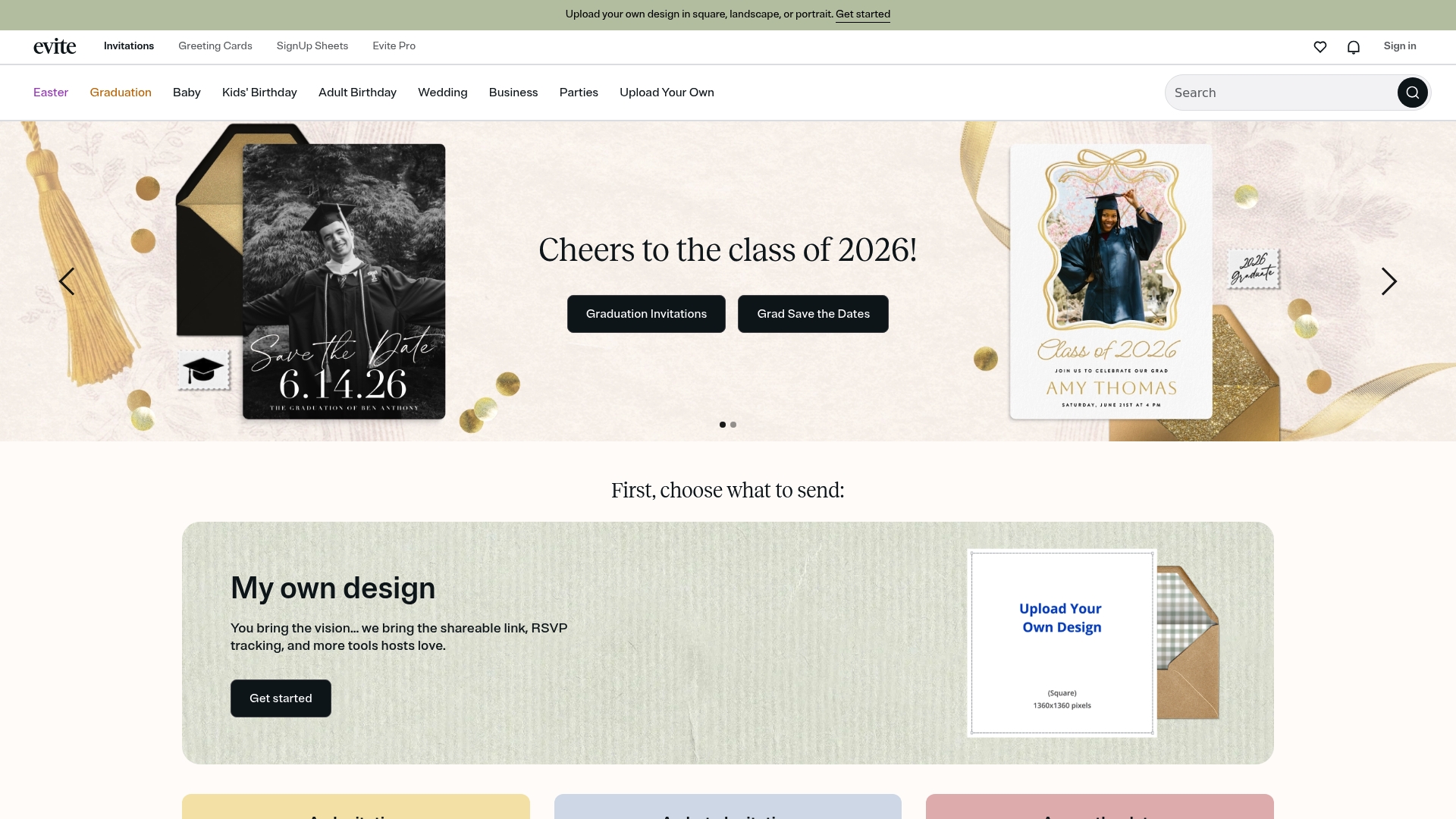
Evite offers a straightforward way to create and send digital invitations with built in RSVP tracking and guest management. It works well for couples and planners who want quick setup, visual templates, and basic event logistics without printing.
Evite balances free functionality with paid upgrades through Evite Pro, making it a practical option when you need polished designs or extra management tools.
Core Features
Evite provides customization of invitations in square, landscape, and portrait formats alongside a broad library of templates for weddings, showers, graduations, and parties. The platform includes RSVP tracking and guest management, e greeting cards, and sign up sheets to coordinate volunteers or potluck items.
The system supports mobile access so you can update guest details or check confirmations on the go.
Pros
-
Wide template selection and customization: Users can personalize layouts and swap images to match wedding themes or event branding.
-
Convenient RSVP tracking: Hosts see guest responses and meal choices in one place, which reduces spreadsheet work.
-
Features for event organization: Tools like sign up sheets and e greeting cards help host logistics and guest engagement.
-
Mobile accessibility: Mobile apps let planners review RSVPs and message guests while away from a desktop.
-
Free basic options: The free tier covers standard invites and RSVP tracking, which lowers upfront costs for budget conscious couples.
Cons
-
Some attractive designs and advanced management tools sit behind the Evite Pro subscription, which adds cost for premium features.
-
The service focuses on digital invites and offers limited support for physical invitation options if you want mailed stationery.
-
The platform requires internet access and familiarity with digital tools, which can be a barrier for guests who prefer paper.
Who It's For
Evite fits couples, engaged couples, and wedding planners who need a fast, budget friendly way to send event invitations and manage RSVPs. It also suits organizers who value a template driven workflow and do not require printed mailings.
Unique Value Proposition
Evite combines a free entry point with accessible design templates and integrated guest management. The main appeal is speed and simplicity for hosts who want to manage invites and confirmations in one digital place without complex setup.
Real World Use Case
A bride and groom use Evite to send wedding invitations, collect RSVPs, and manage seating notes for meals. The couple updates guest lists from their phones and shares the event link with out of town relatives, saving time and canceling the need for printed inserts.
Pricing
Basic features are free. Evite Pro offers additional designs and event management features for a subscription fee with details available on Evite.com.
Website: https://evite.com
Digital Invitation Platforms Comparison
This table provides a comprehensive comparison of popular digital invitation platforms, summarizing their features, advantages, disadvantages, pricing models, and recommended use cases.
| Platform | Key Features | Pros | Cons | Pricing Model |
|---|---|---|---|---|
| The Digital Yes | Online invitations, RSVP management, multilingual support, interactive multimedia tools. | One-time payment; Multilingual support; High customer satisfaction; Easy customization. | Pricing details not specified; Limited to digital invites only. | Pay-per-event with custom quotes. |
| InviteMaker | Customizable templates, RSVP tracking, NZ-specific date formats, local printing options. | Free plan available; Guided design process; Carbon neutral hosting. | Limited advanced features; Customization options unclear for free users. | Free tier with subscription options. |
| Paperless Post | Stylish templates, RSVP tracking, guest messaging, shareable event pages, printed invitation option. | Extensive template collection; Built-in event management tools; Ad-free experience. | Costs for premium features; Pricing complexity; Learning curve for customization. | Coins per event or subscriptions. |
| Greenvelope | Elegant designs, robust RSVP tracking, messaging features, eco-friendly approach. | High-end look; Comprehensive guest management tools; Sustainability-focused. | Relatively higher cost; Limited to digital invites only; Feature-rich interface may feel overwhelming initially. | Tiered pricing based on event size. |
| Evite | Customizable invitations, RSVP tracking, mobile access, sign-up sheets for volunteers or potlucks. | Wide template options; Free basic functionality; Mobile-friendly management. | Subscription required for advanced features; Limited printing options; Requires internet access. | Free tier or paid subscriptions. |
Discover a Smarter Way to Create Digital Wedding Invitations
Planning a wedding comes with many challenges, especially when choosing the perfect digital invitation platform. As highlighted in "Top 5 electronicinvite.com Alternatives 2026," couples and planners often face issues like limited customization, recurring subscription fees, and lack of comprehensive guest management tools. If you want to avoid these common pain points and prioritize sustainability, ease of use, and multimedia engagement, The Digital Yes offers a compelling solution.
Why settle for less when you can enjoy:
- One-time payment with no hidden recurring costs
- Interactive invitations featuring embedded music and photo galleries
- Real-time RSVP tracking with private organizer dashboards
- Multilingual support for diverse guest lists
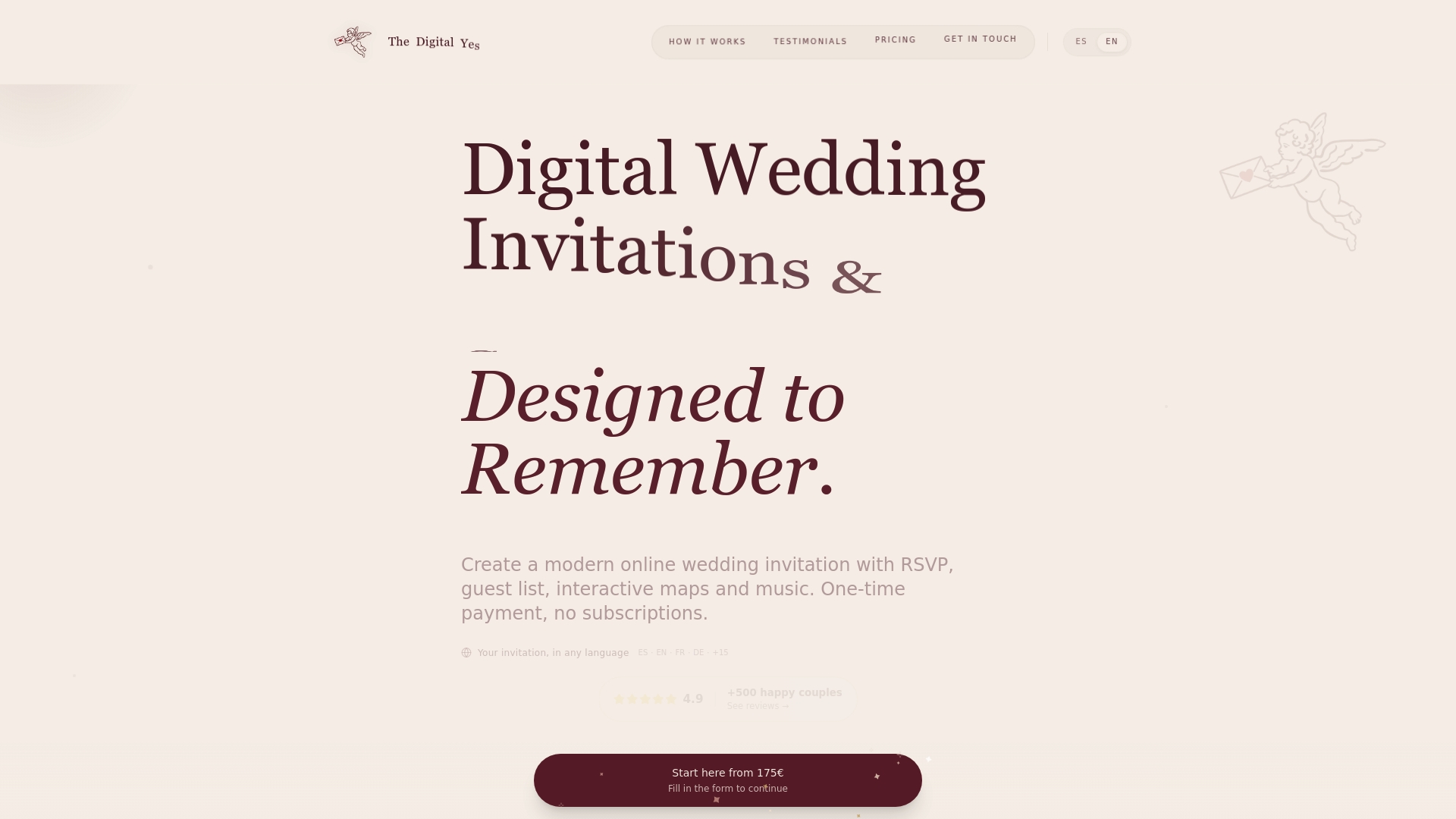
Elevate your wedding invitations today by exploring The Digital Yes. Experience a modern, eco-friendly, and beautifully customizable platform designed specifically for couples and wedding professionals. Don’t wait to transform your wedding communication.
Visit The Digital Yes to get started with your perfect invitation now.
Frequently Asked Questions
What are the key features to look for in an alternative to electronicinvite.com?
Each alternative should offer customizable designs, RSVP tracking, and easy guest management. Prioritize platforms that also provide templates suitable for various events and consider additional functionalities like photo and music integration.
How do I choose the best electronic invitation platform for my needs?
Evaluate each platform based on your specific event requirements, such as the number of guests, design options, and budget constraints. Create a list of must-have features and compare alternatives against that list to find the best fit.
Can I track RSVPs with platforms other than electronicinvite.com?
Yes, many alternatives provide built-in RSVP tracking, allowing you to monitor guest responses easily. Look for platforms that offer real-time updates and reminder features for effective guest management.
How do I customize my invitations on these alternative platforms?
Most platforms provide user-friendly interfaces with drag-and-drop features for customization, enabling you to adjust colors, fonts, and images. Start by selecting a template and explore the editing options to create a personalized invitation.
Is it possible to use both digital and printed invitations with these alternatives?
Some platforms allow you to create digital invitations while offering options for printed versions through partnered services. Check the specific capabilities of each alternative to ensure they align with your preference for physical invites.
What pricing structure should I expect from electronic invitation alternatives?
Many platforms offer a one-time payment or subscription model with varying levels of features. Review the pricing options carefully to determine what fits your budget, considering factors like guest count and additional functionalities.